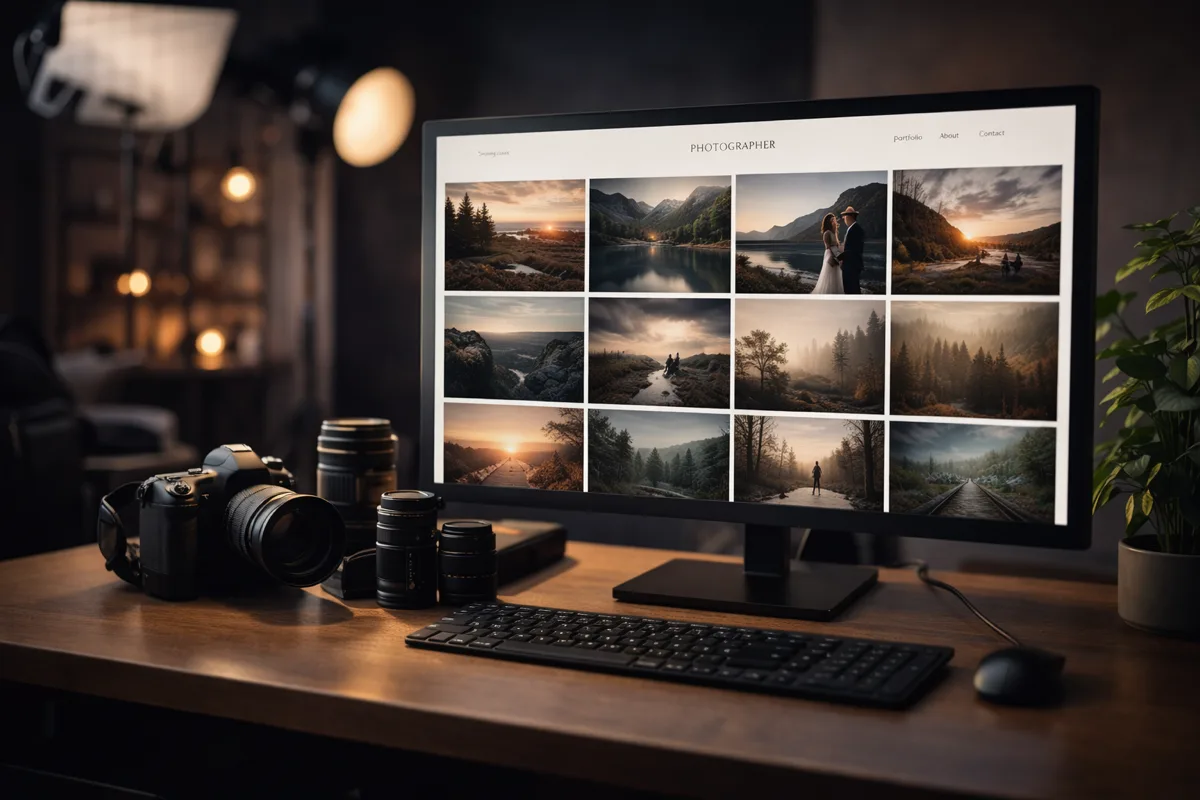
Your Portfolio Is Your First Impression
As a photographer, your work speaks for itself — but only if people can see it. In 2026, potential clients will judge your professionalism in the first three seconds of visiting your website. A slow, cluttered, or outdated page sends them straight to the next photographer on their list.
Your landing page is not just a gallery. It is your digital storefront, your pitch, and your brand identity rolled into one. Getting it right is not optional — it is essential.
Why Photographers Need Their Own Website
Social media is not a portfolio
Instagram and other platforms are great for discovery, but they are terrible as portfolios. Compressed images, distracting interfaces, algorithmic feeds, and ads all work against the carefully curated experience your work deserves.
A dedicated website lets you control every pixel of the experience. Full-resolution images displayed exactly the way you intended, with your branding, your layout, and your story.
Clients expect professionalism
When a potential client is comparing photographers for a wedding, corporate event, or product shoot, a professional website signals that you take your business seriously. It differentiates you from hobbyists and part-timers.
SEO brings organic leads
A well-optimized portfolio website ranks in search results for queries like "wedding photographer in [city]" or "product photographer near me." This is free, ongoing lead generation that social media cannot replicate.
HD Galleries That Actually Load Fast
One of the biggest challenges for photographer websites is balancing image quality with loading speed. Visitors expect sharp, high-definition images, but they also expect pages to load in under two seconds.
Modern image optimization
The best approach is to serve different image sizes based on the visitor's device and screen resolution. A full-size 5000px image is unnecessary on a phone screen. Smart resizing and next-gen formats like WebP and AVIF can reduce file sizes by 60-80% without visible quality loss.
Lazy loading
Not every image needs to load at once. Lazy loading means images are only downloaded as the visitor scrolls to them. This makes the initial page load lightning fast while still providing access to your full gallery.
Progressive loading
Show a blurred placeholder first, then sharpen into the full image. This technique gives visitors something to look at immediately while the high-resolution version loads in the background.
Organizing Work with Portfolio Collections
A flat gallery of hundreds of images is overwhelming. Portfolio collections let you organize your work in a way that makes sense for both you and your clients:
By category
Separate your wedding work from your portraits, your product shots from your landscapes. Potential clients looking for a specific style can find relevant examples instantly.
By project
Showcase complete projects as cohesive stories. A full wedding gallery, a brand campaign, or an editorial series tells a much more compelling story than scattered individual images.
Featured work
Curate a "best of" collection that represents the range and quality of your work. This is often the first thing visitors see and should include your absolute strongest images across all categories.
Built-In File Transfer: Stop Paying for External Tools
One of the most overlooked aspects of running a photography business is file delivery. After a shoot, you need to get hundreds or thousands of high-resolution files to your client. The traditional solutions all have drawbacks:
The problem with external tools
- WeTransfer: File size limits, download links expire, no branding, limited free tier
- Google Drive/Dropbox: Cluttered interface, client needs an account, storage costs add up
- USB drives: Slow, expensive, and impractical for remote clients
- Email: Attachment size limits make it useless for large files
Built-in file delivery changes the game
Imagine sending your client a branded link to their personal download page on your website. They see their photos organized in collections, can preview everything in the browser, and download the full-resolution files with a single click.
No sign-ups. No expired links. No third-party branding. Just a professional, seamless experience that reinforces your brand at every touchpoint.
Client proofing made simple
Beyond delivery, a built-in proofing system lets clients review, favorite, and approve images directly on your site. This eliminates the back-and-forth of email threads with comments like "the third photo in the second row" and replaces it with clear, organized feedback.
The Cost Savings Add Up
Let us do some quick math on external tool costs for a working photographer:
- Cloud storage for client files: 10-25 EUR/month
- File transfer service premium plan: 15-20 EUR/month
- Portfolio website hosting: 15-30 EUR/month
- Client proofing platform: 10-30 EUR/month
That is potentially 50-105 EUR per month across four different services, each with its own login, interface, and limitations.
A single platform that handles your portfolio, file delivery, and client proofing consolidates these costs and simplifies your workflow dramatically.
What Makes a Great Photographer Landing Page
Beyond the gallery, a few key elements separate good photographer websites from great ones:
Clear pricing or packages
You do not need to list exact prices, but giving visitors a general idea of your packages and what they include saves time for both you and potential clients. It pre-qualifies leads and reduces inquiries from people outside your budget.
About section with personality
Clients hire people, not cameras. Show your face, share your approach, and let your personality come through. The technical quality of your work might get someone to your site, but your personality is what makes them pick up the phone.
Testimonials and social proof
A few genuine client testimonials can be the tipping point between "maybe" and "booked." Include the client's name and the type of shoot for maximum credibility.
Simple contact form
Make it effortless to reach you. A short contact form with fields for name, event type, date, and a message is all you need. The fewer barriers, the more inquiries you receive.
Getting Started Without Technical Skills
The biggest misconception among photographers is that building a professional website requires coding skills or expensive web designers. Modern tools have eliminated that barrier entirely.
With PagePilot, you can build a photography-focused landing page with HD galleries, portfolio collections, and integrated file delivery in under an hour. The drag-and-drop builder is designed for visual professionals — what you see is what your clients see.
Upload your images, organize them into collections, set up your file delivery module, and publish. Your portfolio is live, your delivery workflow is automated, and your brand is consistent across every touchpoint.
Key Takeaways
- Your website is your most important marketing asset — make it fast, beautiful, and professional
- HD galleries with smart optimization load fast without sacrificing quality
- Portfolio collections organize your work for easy client navigation
- Built-in file transfer eliminates the need for WeTransfer, Dropbox, and other external tools
- Consolidating your tools into one platform saves money and simplifies your workflow
Your images tell stories. Make sure they are displayed on a stage worthy of your talent.